About the product
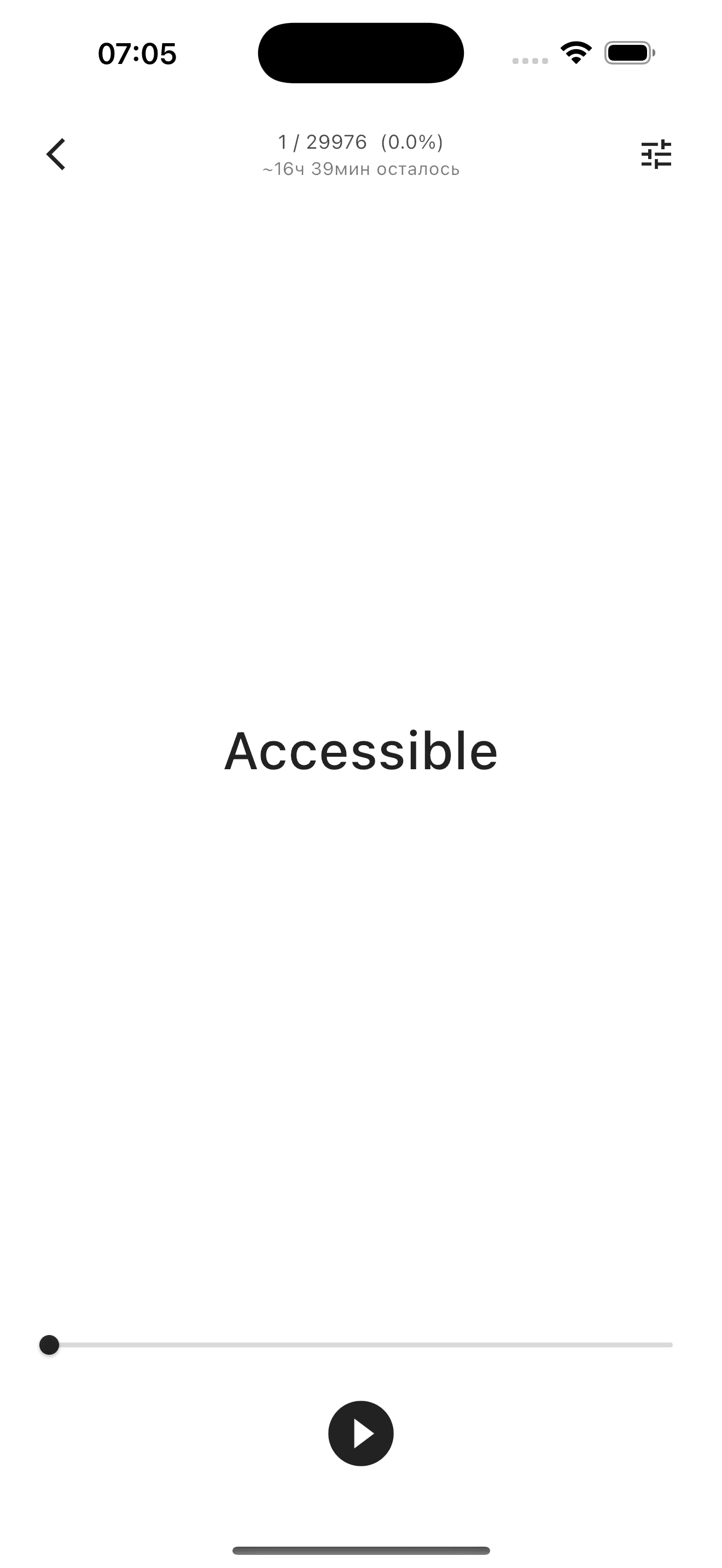
Discover a new way to read. Word Reader uses RSVP (Rapid Serial Visual Presentation) — words appear on the screen one at a time or in small groups, helping you focus on the text and read faster.
Instead of scanning lines the usual way, you see words appear one after another in the center of the screen. No eye movement — only focus on the text. Set the speed and number of words to fit you and read at your own pace.
Key advantages
- RSVP technology — words appear one or in groups in the center of the screen, increasing speed and focus
- 6 formats — EPUB, FB2, PDF, DOCX, RTF and TXT: a single reader for your entire library
- Works offline — all data stays on your device, no subscriptions or sign-up required
- Detailed statistics — track reading progress with clear charts
- Crash recovery — your reading position is saved automatically
Flexible reading settings
Tune the app to fit your needs:
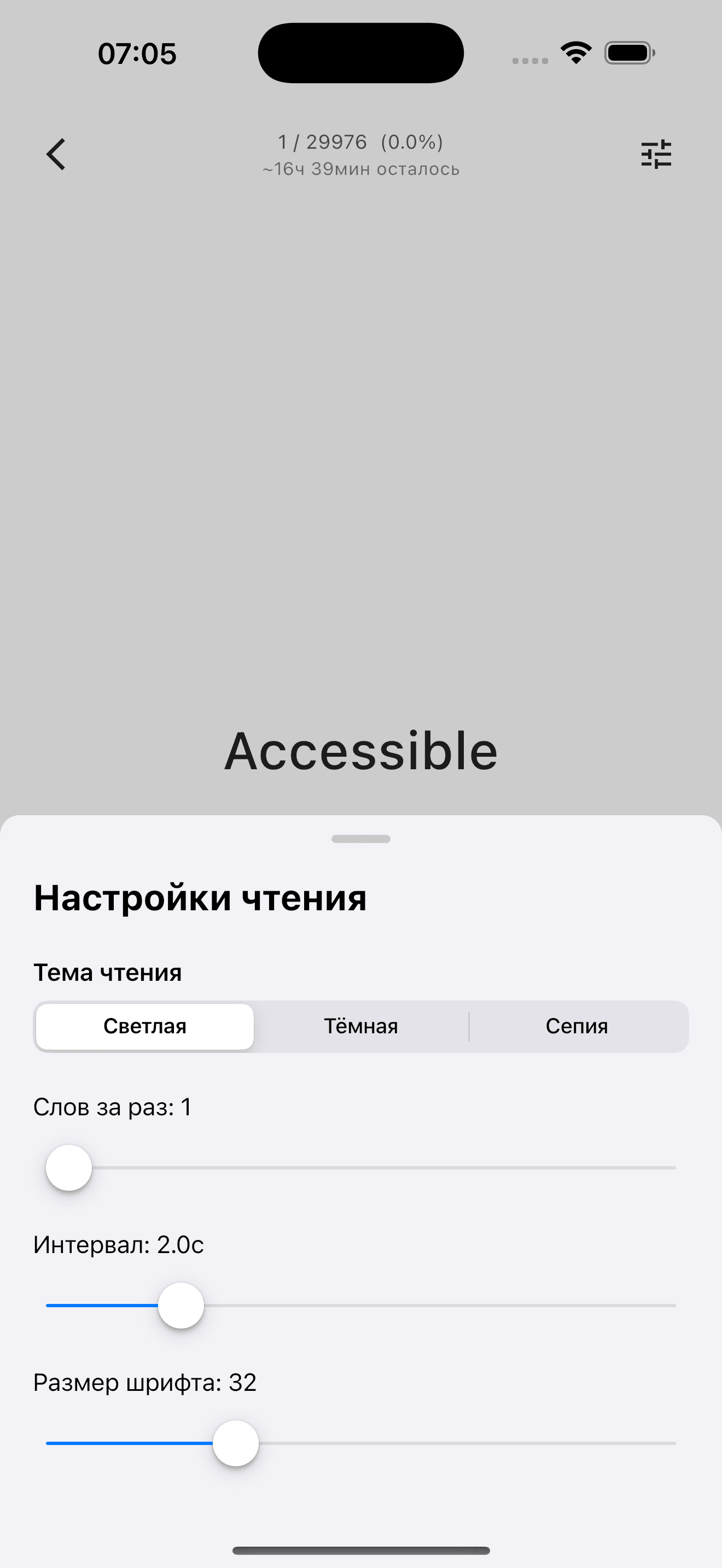
- From 1 to 7 words on screen at a time
- Display speed from 100 ms to 10 seconds
- Font size from 16 to 72 pt
- 3 themes: light, dark and sepia
Library and search
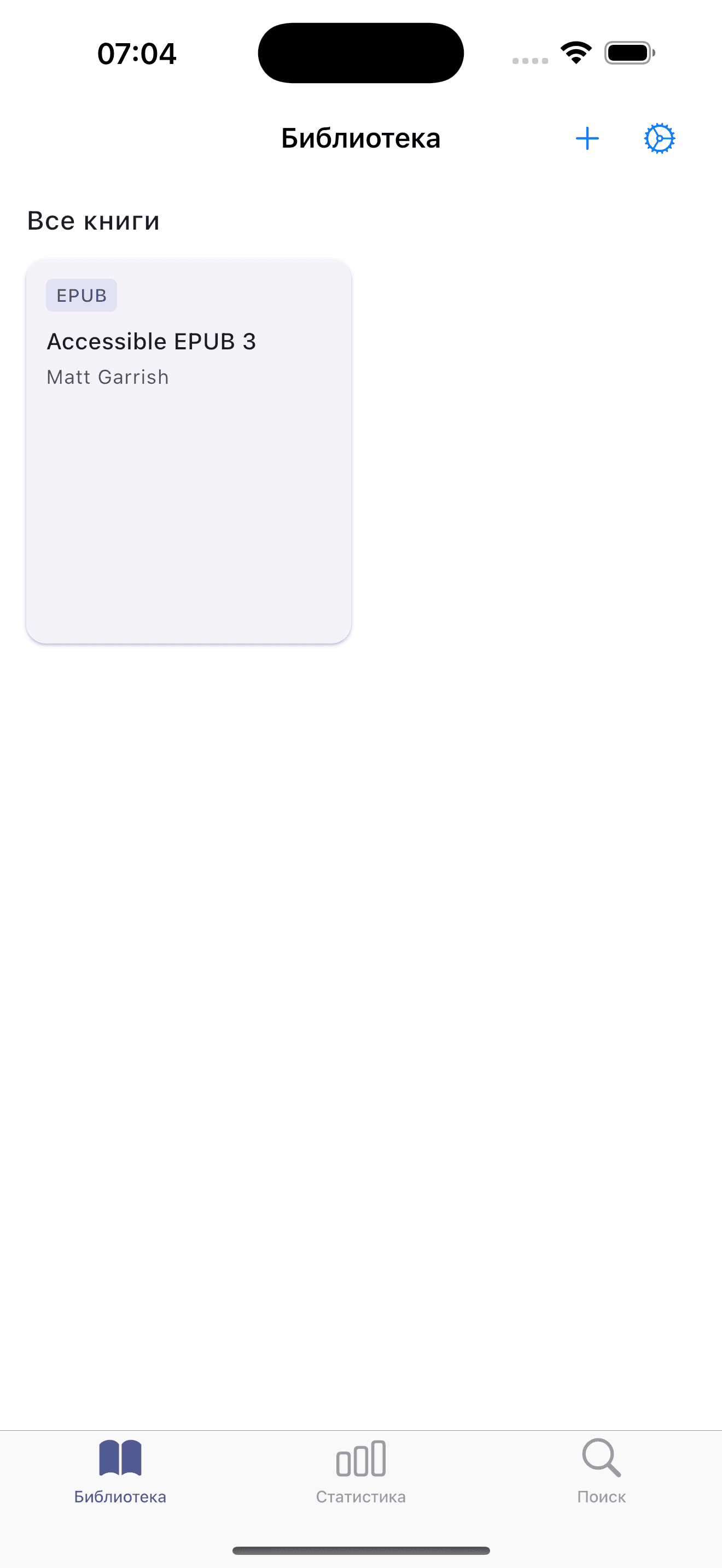
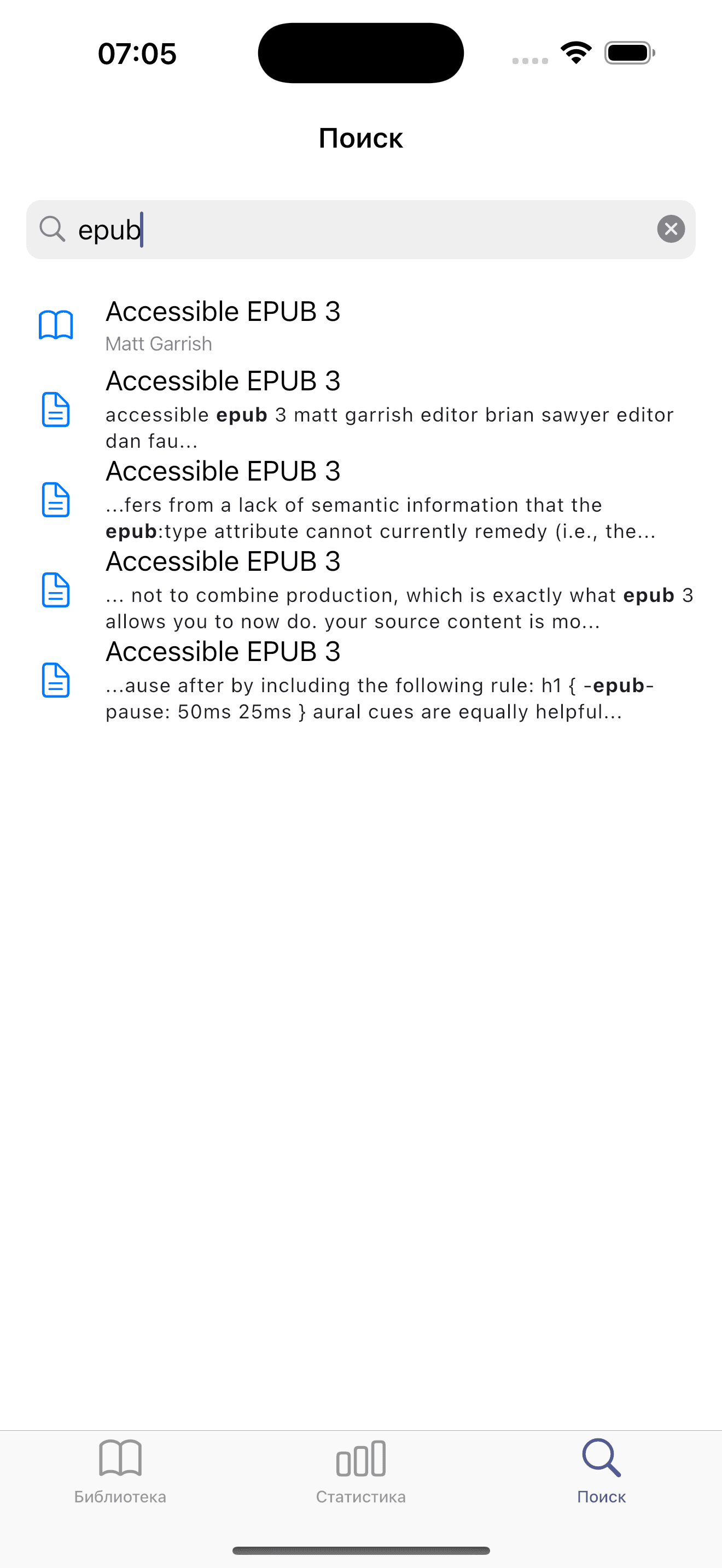
A convenient library with import support for 6 book formats. Powerful full-text search — find by title, by author, or directly in the text content. Jump to the matching fragment with a single tap.
Detailed statistics
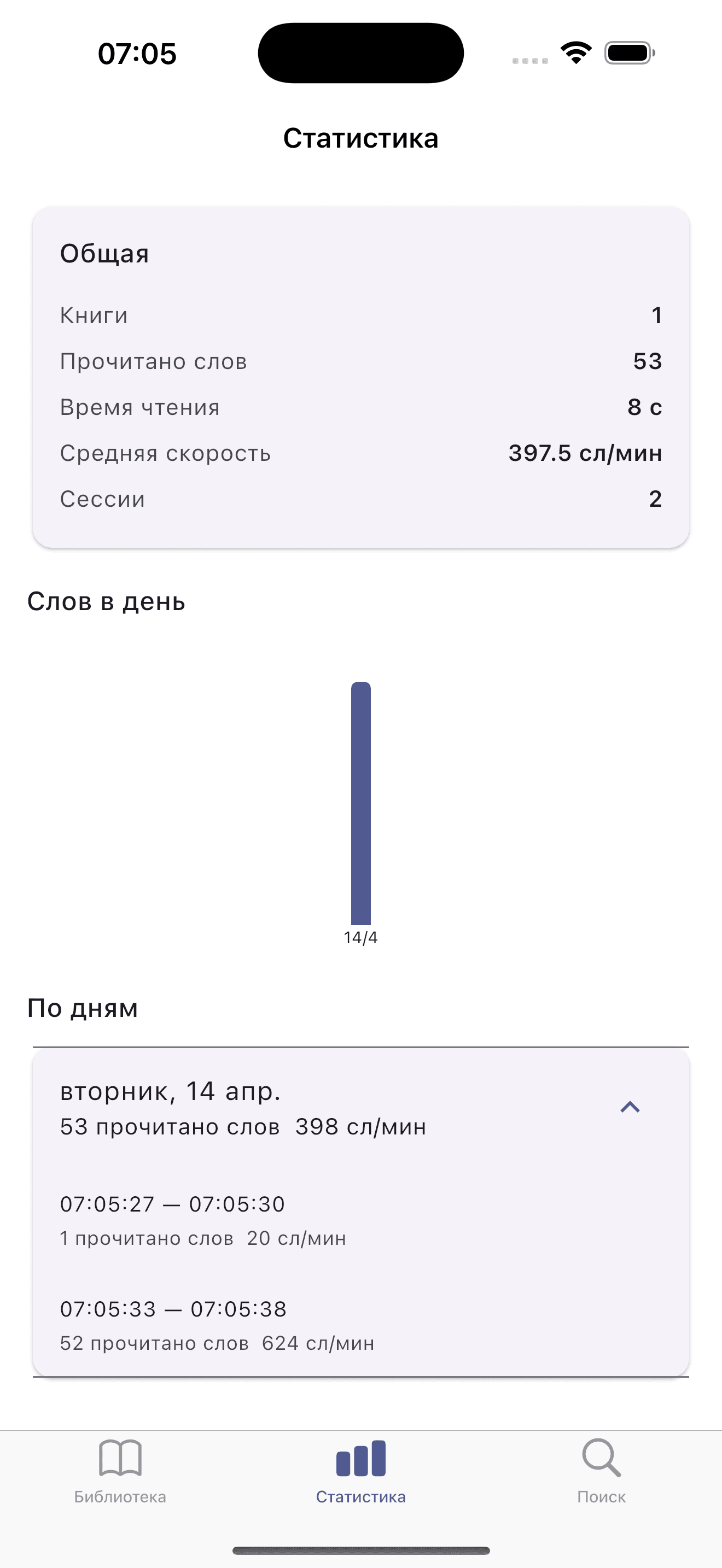
Track your progress: words read, reading time, average speed (words per minute). View daily statistics with clear charts — motivate yourself to read more every day.
Convenient controls
- Tap left — back, tap right — forward
- Long press — pause
- Slider for fast navigation through the book
- Auto-save of position every 5 seconds